Scumble.
Manual, videos and the dev blog. · version 0.1.28
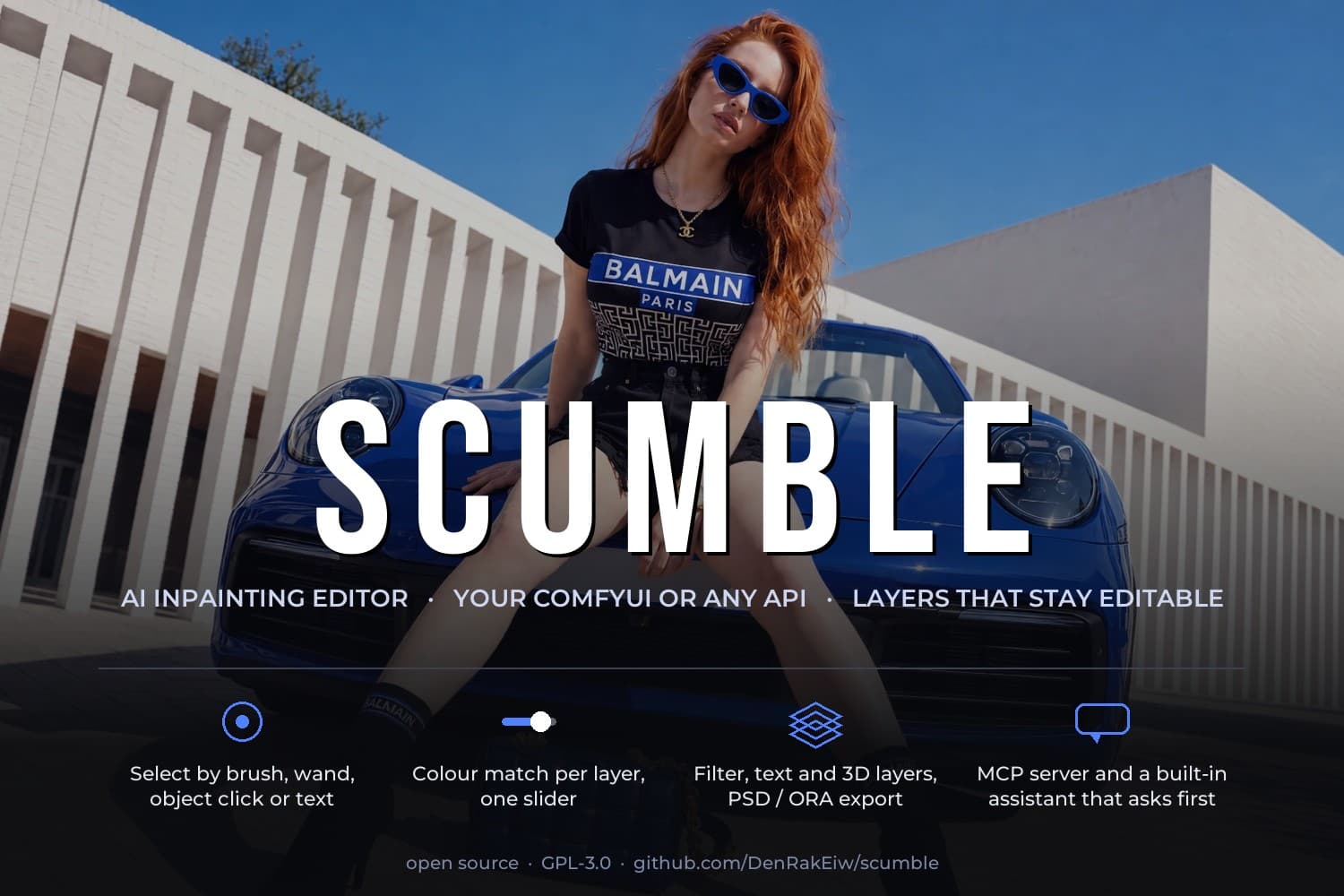
Scumble is a free, open-source desktop editor for AI inpainting: select part of a picture, describe what should be there, and the result comes back as an editable layer, colour-matched to its surroundings. Here is how to use it, what it looks like in motion, and what changed and why. The app itself and its releases live on GitHub.
- What
- Desktop editor for AI inpainting
- Price
- Free, open source (GPL-3.0)
- Runs on
- Windows 10/11 · Linux (AppImage, .deb)
- Renders with
- Your own ComfyUI, or an API key (FLUX.2, GPT Image, Nano Banana, Seedream, Qwen)
- Files
- PSD and ORA with layers, PNG, JPEG, WebP
- Agents
- Built-in MCP server and assistant
- Made by
- Dennis Schöneberg (DenRakEiw)
From the first image to the export: selection, recipes, layers, the assistant, agents.
Short recordings of one feature each, made in the app.
What was built, what was measured, and what did not work.
Questions and answers
What is Scumble?
Scumble is a free, open-source desktop editor for AI inpainting. You select part of a picture, describe what should be there instead, and the generated result comes back as an editable layer that is colour-matched to its surroundings.
Is Scumble free?
Yes. Scumble is free software under the GPL-3.0 licence, with no account and no subscription. If you render through an API provider, you pay that provider directly with your own key; rendering on your own ComfyUI costs nothing extra.
Which AI models does Scumble work with?
On your own ComfyUI it runs recipes such as FLUX.2 Klein and Qwen Image Edit 2.1, or any workflow of yours that holds an Inpaint Canvas node. Through an API key it uses Google's Nano Banana, OpenAI's GPT Image, Black Forest Labs' FLUX.2, ByteDance's Seedream, Qwen Image Edit and others, directly or through fal.ai, Replicate, WaveSpeedAI, Comfy Cloud or OpenRouter.
Does Scumble need ComfyUI?
No. With an API key from one of the supported providers it renders without any server. ComfyUI is optional: connected to a local or rented ComfyUI with the ComfyUI-InpaintCanvas node pack, Scumble renders on your own GPU and models.
Which systems does Scumble run on?
Windows 10 and 11 (64-bit), with an installer on GitHub that updates itself. Every release also has a Linux AppImage and a .deb, which are built but have not yet been tested by the author on Linux. There is no macOS version yet.
Can Scumble open and save Photoshop files?
Yes. Scumble opens PSD and OpenRaster (ORA) files with their layers and exports PNG, JPEG, WebP, and PSD or ORA with every layer.
Can AI agents like Claude control Scumble?
Yes. Scumble has a built-in MCP server, so Claude Code, Claude Desktop or any other MCP client can drive the editor, and it has its own assistant that works on your API key and asks before anything costs money.
Who makes Scumble?
Scumble is made by Dennis Schöneberg (DenRakEiw), an AI engineer in Germany, who also wrote the ComfyUI node Inpaint Canvas it grew out of. The source is on GitHub at github.com/DenRakEiw/scumble.
The whole manual, and a short summary of this site for AI assistants, are also plain text: manual.md · llms.txt